Released v0.4.1 of Govee BLE Lights (HA) on GitHub.

Release Notes

Changed

  • BLE links are now kept open for 10 seconds after a command, so bursts of commands share one connection and key exchange. If a kept link fails, the write is retried once on a fresh connection.
  • BLE connects make a single attempt instead of looping around the library’s own retries, so an unreachable light fails faster.
  • Segment writes sent within 100 ms are merged: segments given the same colour or brightness share one frame, over one connection. Single-segment commands take about 100 ms longer.
  • README updated for LAN control, segments, BLE protocols and troubleshooting.

Notes

  • The light stays connected for up to 10 seconds after the last command, so the Govee app cannot connect during that window.
  • These changes are untested on real hardware. Please report any light that stops responding or any segment that lights the wrong place.

Release page: https://github.com/BigWebstas/govee_ble_lights/releases/tag/v0.4.1
Repository: https://github.com/BigWebstas/govee_ble_lights
Released v0.2.0 of Fitbit Aria Air (HA) on GitHub.

Release Notes

  • Initial tagged release of the Fitbit Aria Air Home Assistant BLE integration and companion Android key-extractor APK (aria-air-0.2.0.apk).
  • Reads weigh-ins locally over Bluetooth or ESPHome proxy and exposes sensor.aria_air_weight and sensor.aria_air_last_weigh_in.

Full Changelog: https://github.com/BigWebstas/ha-fitbit-aria-air/commits/v0.2.0

Downloads

Release page: https://github.com/BigWebstas/ha-fitbit-aria-air/releases/tag/v0.2.0
Repository: https://github.com/BigWebstas/ha-fitbit-aria-air

Continuing my mission to get my devices off the cloud, I built Fitbit Aria Air for Home Assistant—a custom integration that reads the Fitbit Aria Air (FB203) smart scale locally over Bluetooth (or an ESPHome Bluetooth proxy) with no Fitbit account, cloud, or phone app involved.

Each weigh-in is decoded locally using your scale’s key and exposed as sensor.aria_air_weight and sensor.aria_air_last_weigh_in in Home Assistant.

Fitbit Aria Air Home Assistant Icon

GitHub: https://github.com/BigWebstas/ha-fitbit-aria-air

Released v0.16.0 of Life180 on GitHub.

Release Notes

What’s in this release

Features

  • People table shows each person’s Home Assistant picture beside their name, falling back to the default icon (#93).

Styling

  • The auto-fit checkbox is now a crosshair button: highlighted when on, slashed when off (#93).

Release page: https://github.com/BigWebstas/Life180/releases/tag/v0.16.0
Repository: https://github.com/BigWebstas/Life180

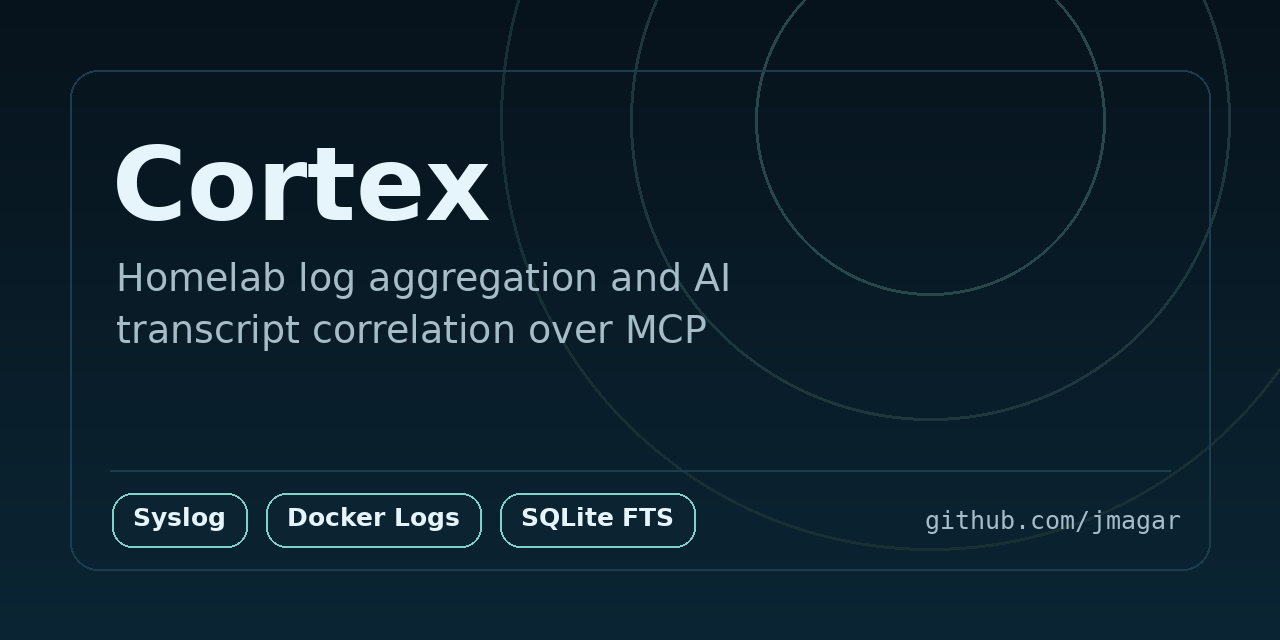
Been contributing to and running a fork of Cortex, a Rust MCP/HTTP/SQLite FTS5 log aggregation and homelab intelligence platform that correlates syslog, Docker logs, OpenTelemetry traces/metrics, and AI coding transcripts.

Cortex Homelab Log Intelligence
  • Added URL credential redaction when ingesting Docker container logs
  • Fixed classification of llama.cpp status lines so normal model output isn’t flagged as errors
  • Fixed Telegram alert notifications to send plain text instead of escaped HTML entities, advertised MCP cache metadata (ttlMs / cacheScope), and added Windows Event Log OpenTelemetry collector documentation

GitHub: https://github.com/BigWebstas/cortex

Released v0.3.2 of SuperProd Callback Task on GitHub.

Release Notes

Release APKs are now signed with a dedicated release key instead of the Android debug key. No functional changes.

Downloads

Release page: https://github.com/BigWebstas/SuperProd-Callback-Task/releases/tag/v0.3.2
Repository: https://github.com/BigWebstas/SuperProd-Callback-Task

Released 1.56.0 of SP Caffeine Tracker on GitHub.

Release Notes

Entries, sleep and settings now sync as separate parts, so a stale device saving one thing no longer overwrites the drink log. SleepSense import writes only the sleep part.

Downloads

Release page: https://github.com/BigWebstas/sp-caffeine-tracker/releases/tag/1.56.0
Repository: https://github.com/BigWebstas/sp-caffeine-tracker

Released v0.6.0 of Pebble Super Productivity Face on GitHub.

Release Notes

Hourly battery re-alert

  • New setting under Battery health alert: Repeat hourly while the level stays out of range (off by default). When on, the low/high battery alert fires again once an hour for as long as the level is still below your low % (unplugged) or above your high % (charging). It also catches up when you return to the face after being away for more than an hour.

Smoother heart-rate highlight

  • The out-of-range heart-rate highlight (45 bpm or lower, 120 bpm or higher) now fades in and out as a pulse instead of snapping on and off. Colour watches get a 3-step fade; black-and-white watches switch at the halfway point.

Install: download PebbleSuperProductivityFace-0.6.0.pbw and open it with the Pebble app, or pebble install --phone <watch-ip>. Builds for aplite, basalt, chalk, diorite, emery. Install the phone and watch parts together – a new settings key was added.

Downloads

Release page: https://github.com/BigWebstas/PebbleSuperProductivityFace/releases/tag/v0.6.0
Repository: https://github.com/BigWebstas/PebbleSuperProductivityFace

WordOfTheDay WordOfTheDay WordOfTheDay WordOfTheDay WordOfTheDay WordOfTheDay

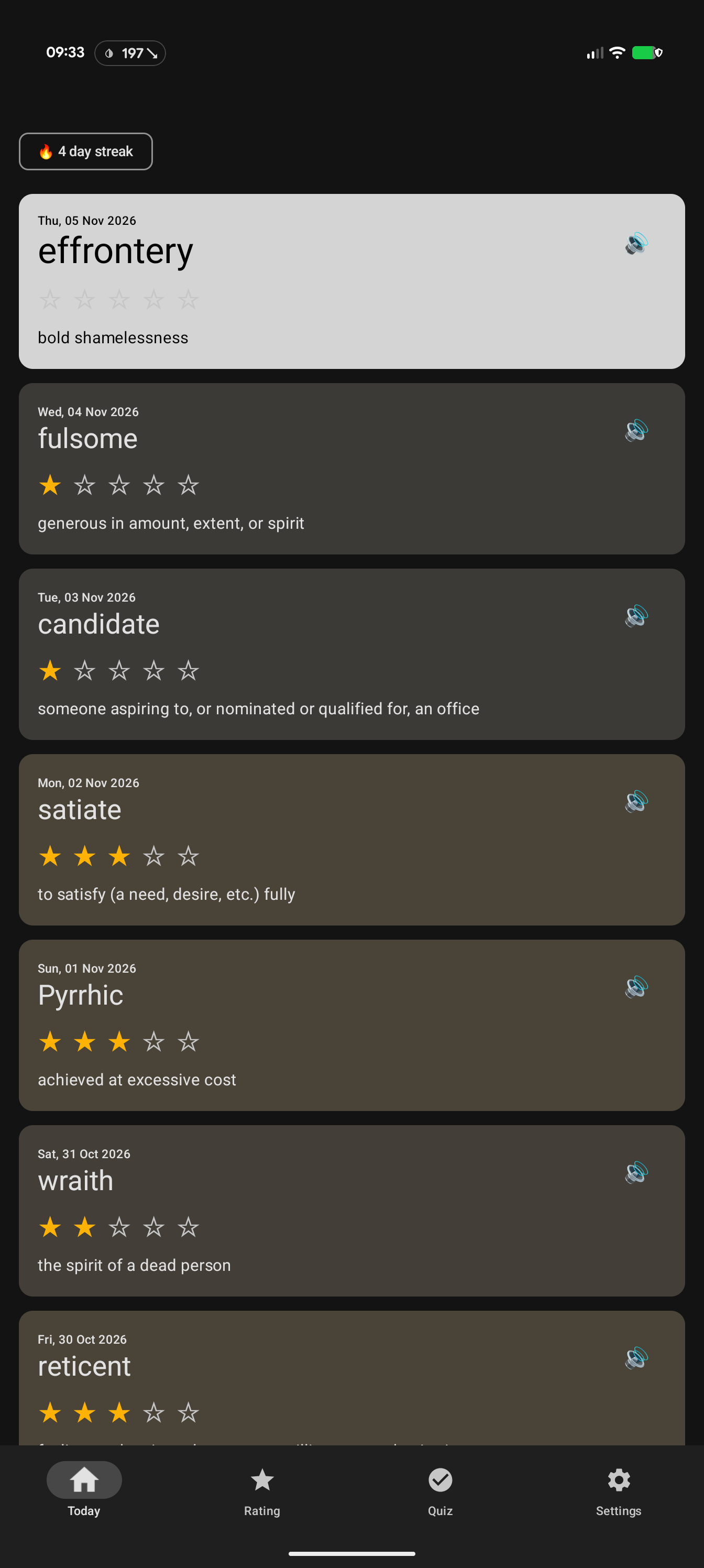
Native apps showing Merriam-Webster’s Word of the Day from https://www.merriam-webster.com/wotd/feed/rss2. Every word is archived on the device, so the full history stays available offline.

  • Android (Kotlin, Compose): the full app, described below
  • iOS (SwiftUI, iOS 16+): Today and Saved tabs, with the same local archive
  • Pebble (C watchapp + PebbleKit JS): rate words from your wrist; ratings sync with the Android app

Android

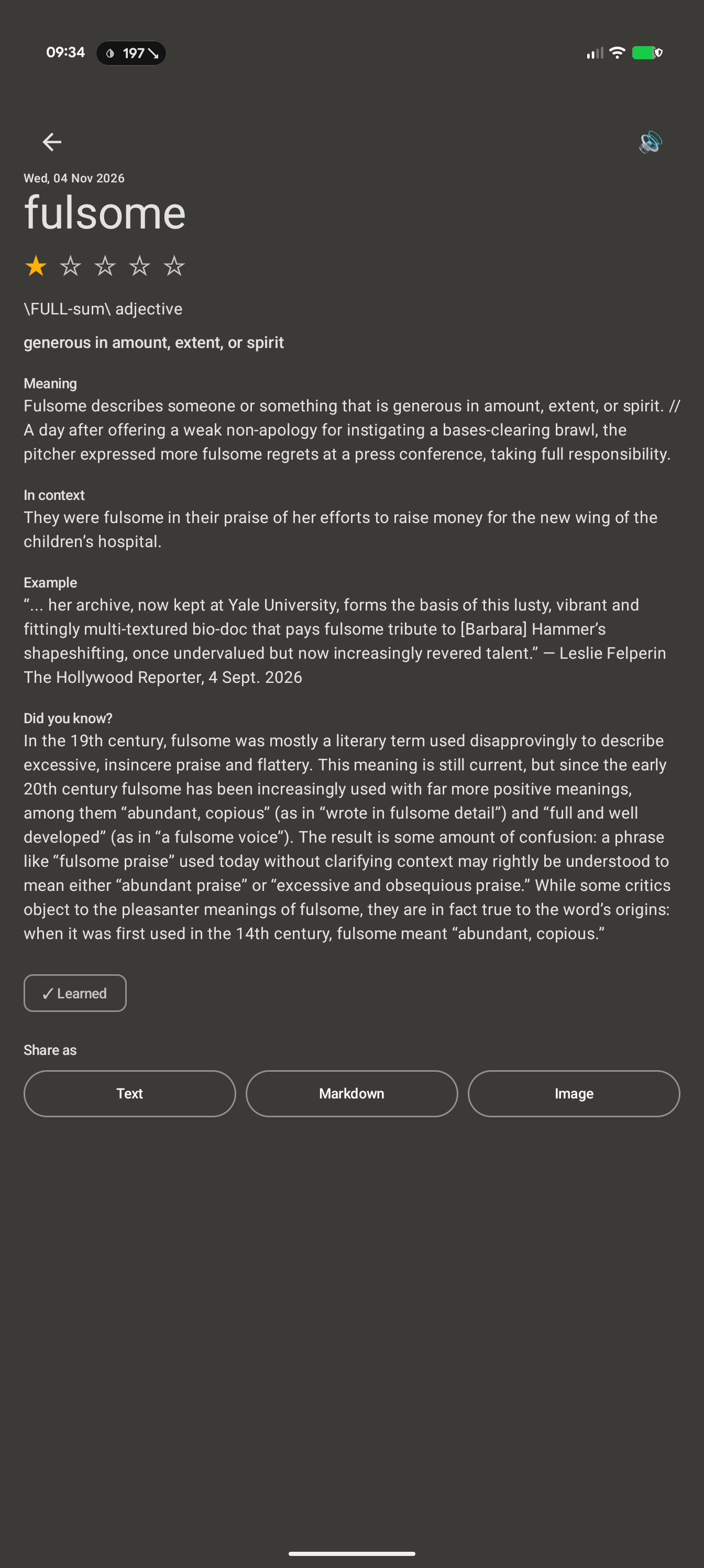
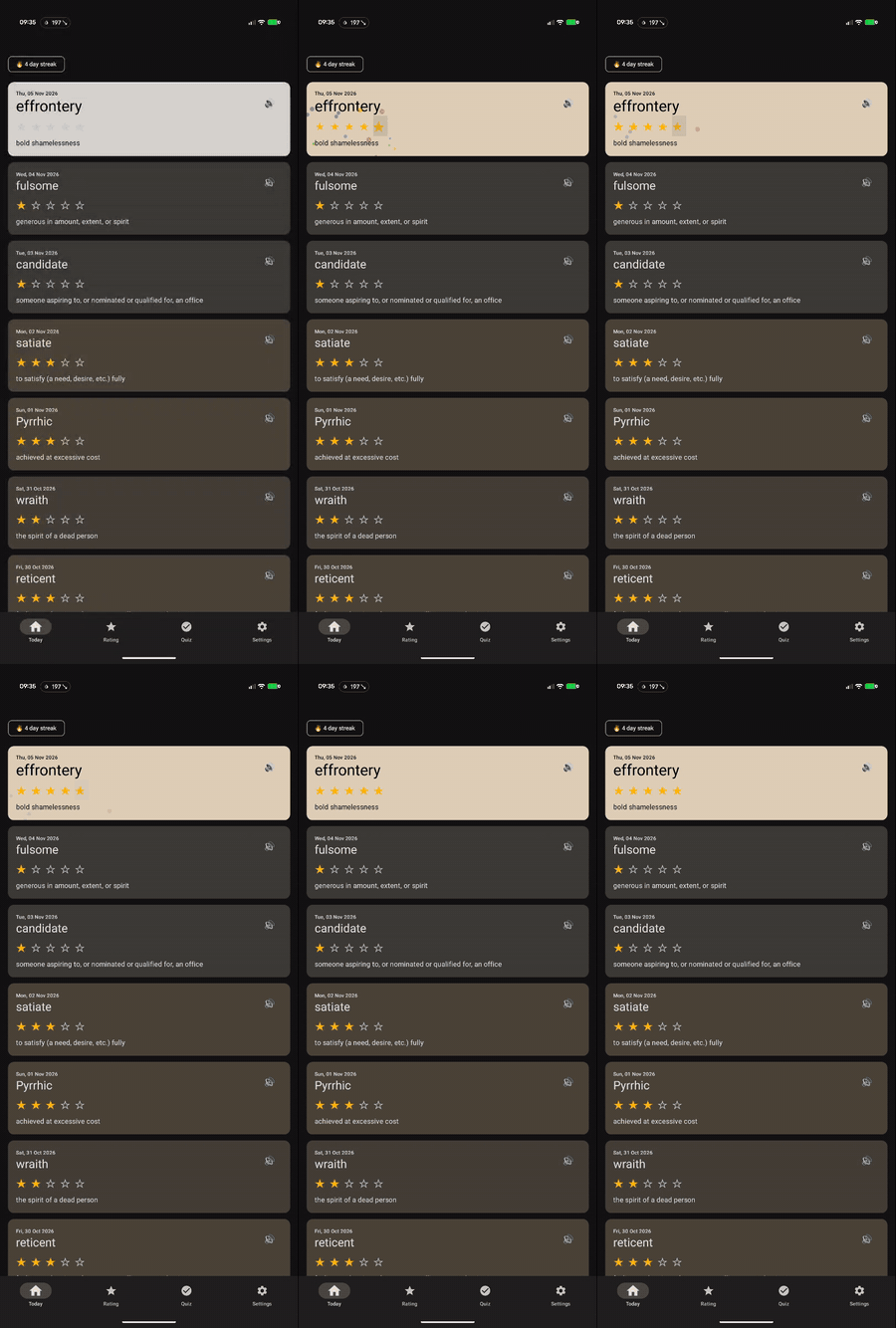
  • Today: the newest word as a highlighted card above the archive, with a day streak, pull to refresh and a skeleton while loading. Tap a card to open the full entry, with meaning, usage, examples and “Did you know?”.
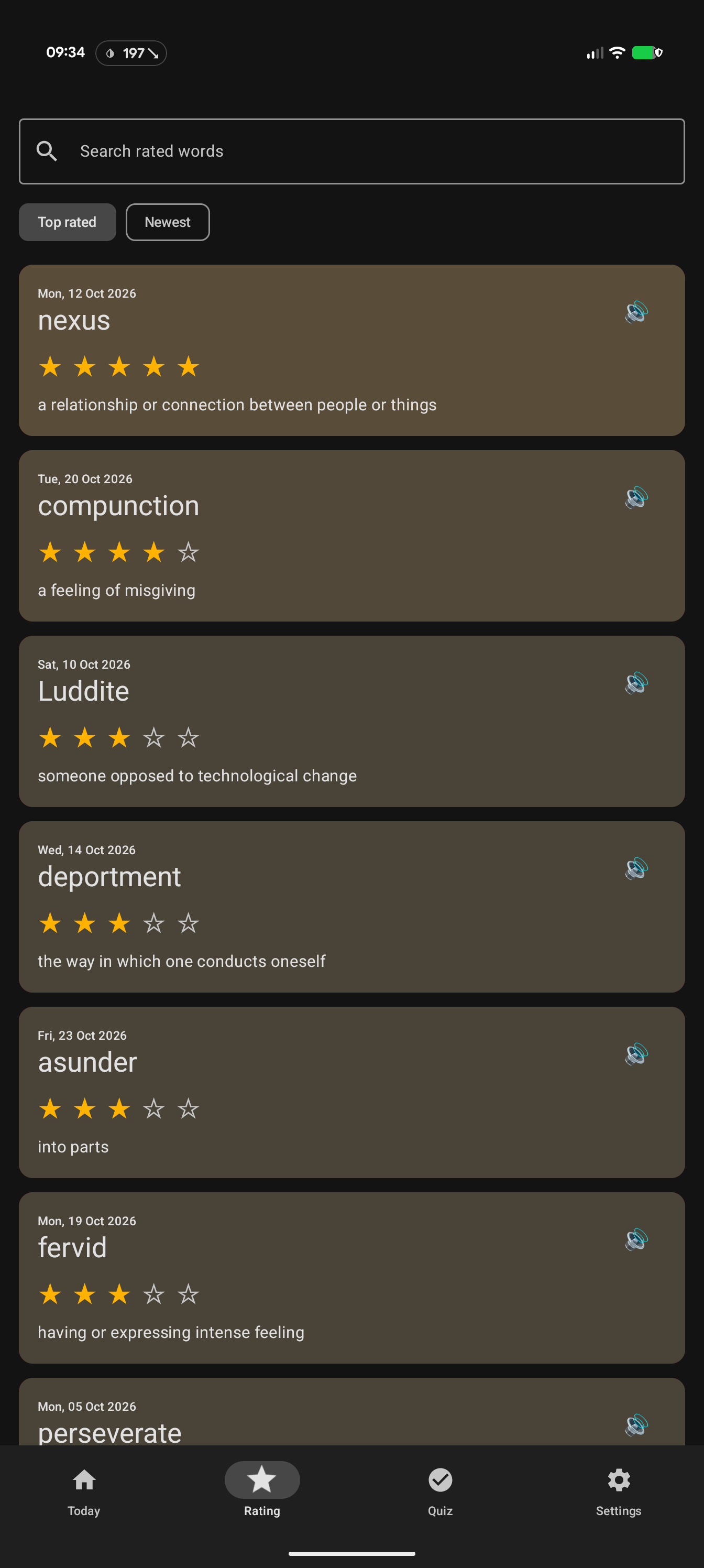
  • Rating: rate words from one to five stars, then search them or sort by top rated or newest. Swipe a word away to remove its rating, with undo.
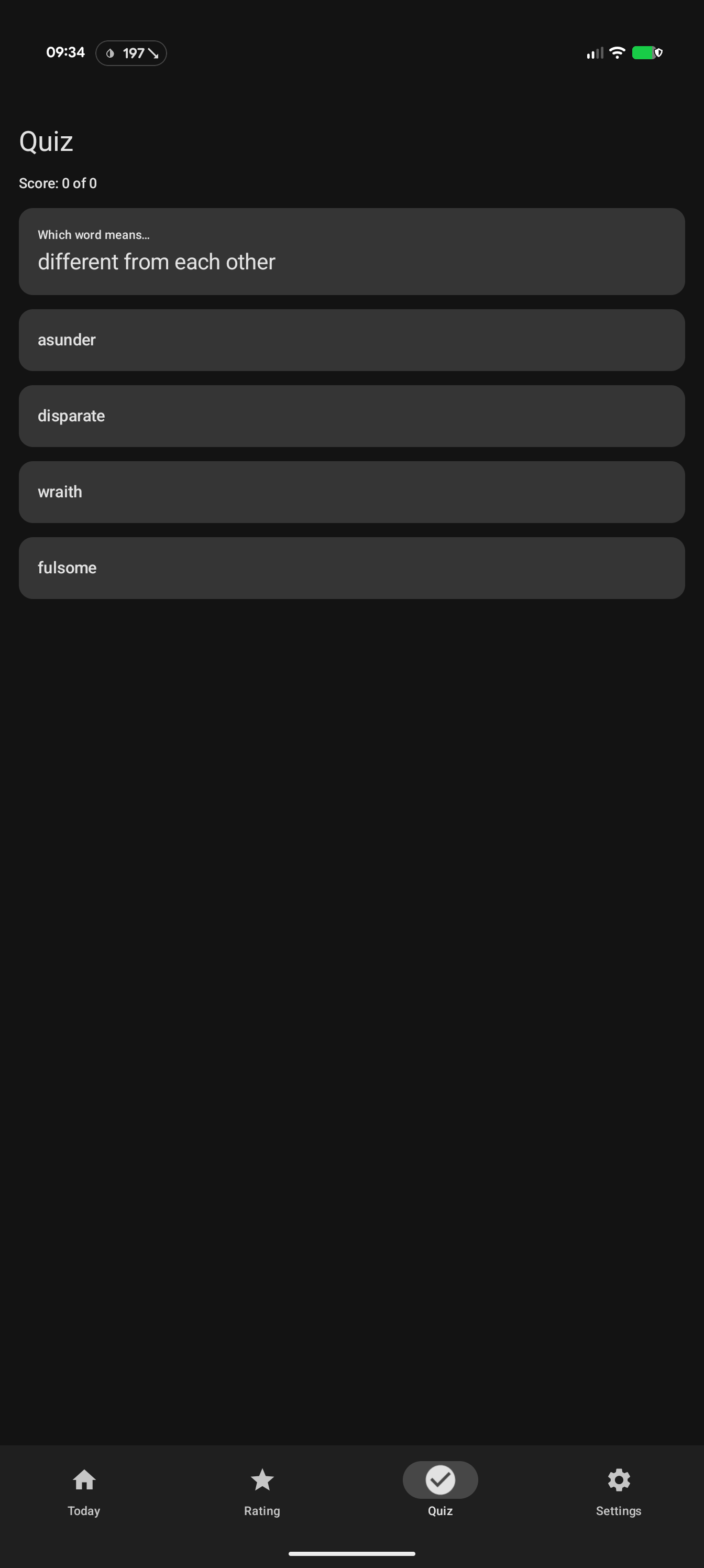
  • Quiz: “which word means…” questions, weighted towards the words you miss. Mark words as learned to stop seeing them.
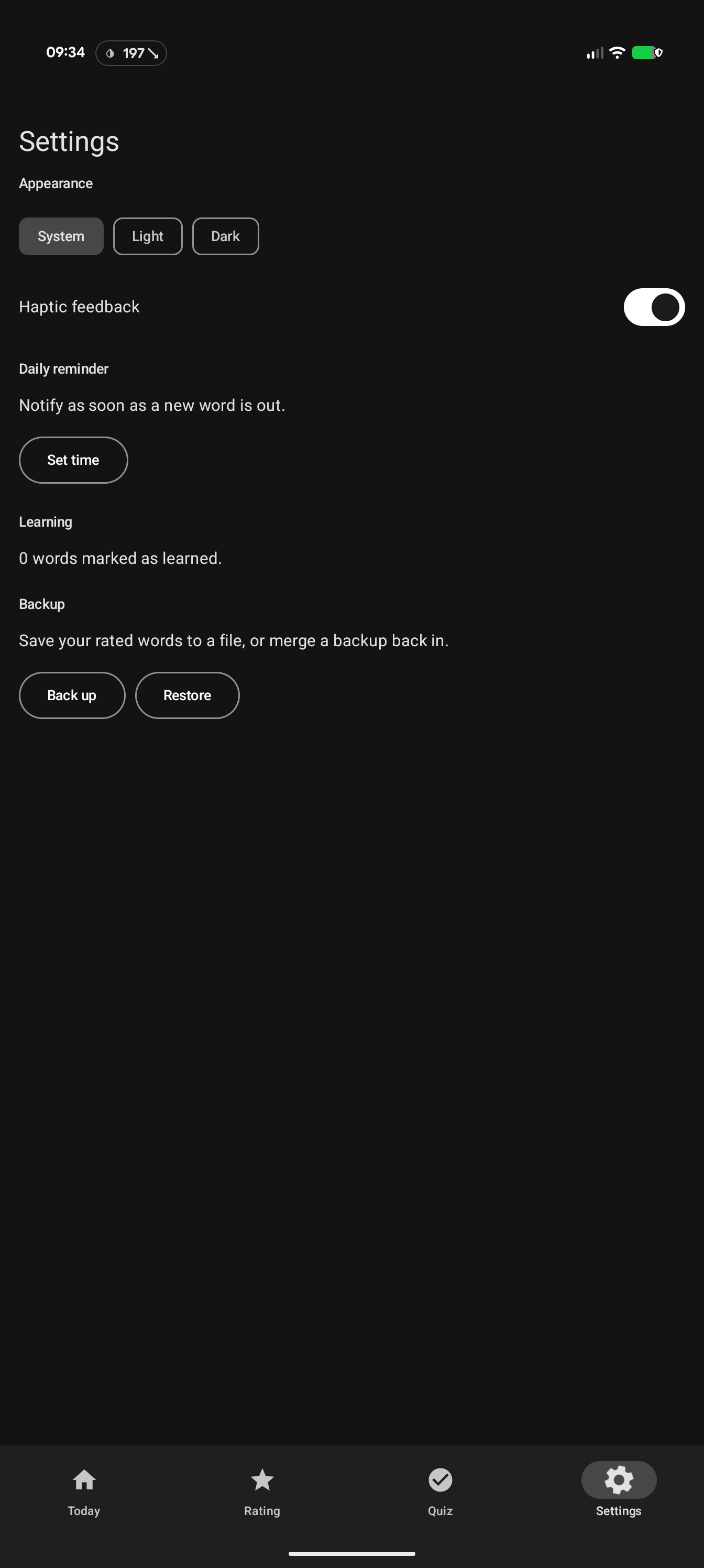
  • Settings: theme (system, light or dark), haptics, a daily reminder time, and backup and restore of your ratings.
  • Share a word as text, Markdown or an image card.
  • Widget for the home screen, with its own theme, size, opacity and tap action.
  • Pronunciation audio on every card.

Animations

Stars pop as you rate, with confetti at five. A card expands into its detail screen and shrinks back. Swiping a rated word away collapses its row, and Undo slides it back in.

Pebble

GitHub: https://github.com/BigWebstas/WordOfTheDay

Built Snapshot Trip Reviewer, an Android accessibility helper for reviewing trips in the Progressive Snapshot app without needing root or private APIs.

It opens Progressive → Snapshot → Trips, scrolls through recent trips, and automatically switches drives with flagged events to Passenger mode (or opens the transit mode picker so you can choose and save before moving to the next trip), complete with a floating Stop/Return overlay.

Snapshot Trip Reviewer Light Theme Snapshot Trip Reviewer Dark Theme Floating Stop and Return Controls

GitHub: https://github.com/BigWebstas/Progressive-Snapshotter-releases