Built an Android app called Callback that watches for missed calls and automatically turns them into “call back” tasks in Super Productivity via its Local REST API.

  • Foreground call monitor backed by the Android call log and a Room deduplication ledger
  • Configurable rule engine to filter known vs. unknown callers, declined calls, and target projects
  • WorkManager retry queue so missed calls captured away from home sync as soon as the phone is back on the LAN, plus a home-screen status widget

GitHub: https://github.com/BigWebstas/SuperProd-Callback-Task
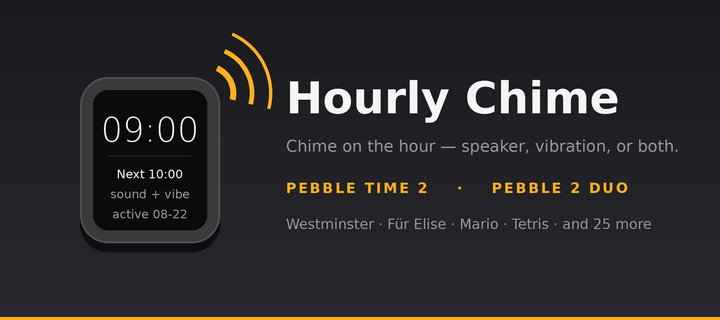
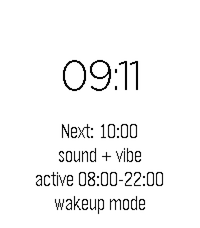
Created Hourly Chime, a PebbleOS watchapp that chimes on the top of the hour using the built-in speaker and/or vibration motor on Pebble Time 2 (emery) and Pebble 2 Duo (flint).

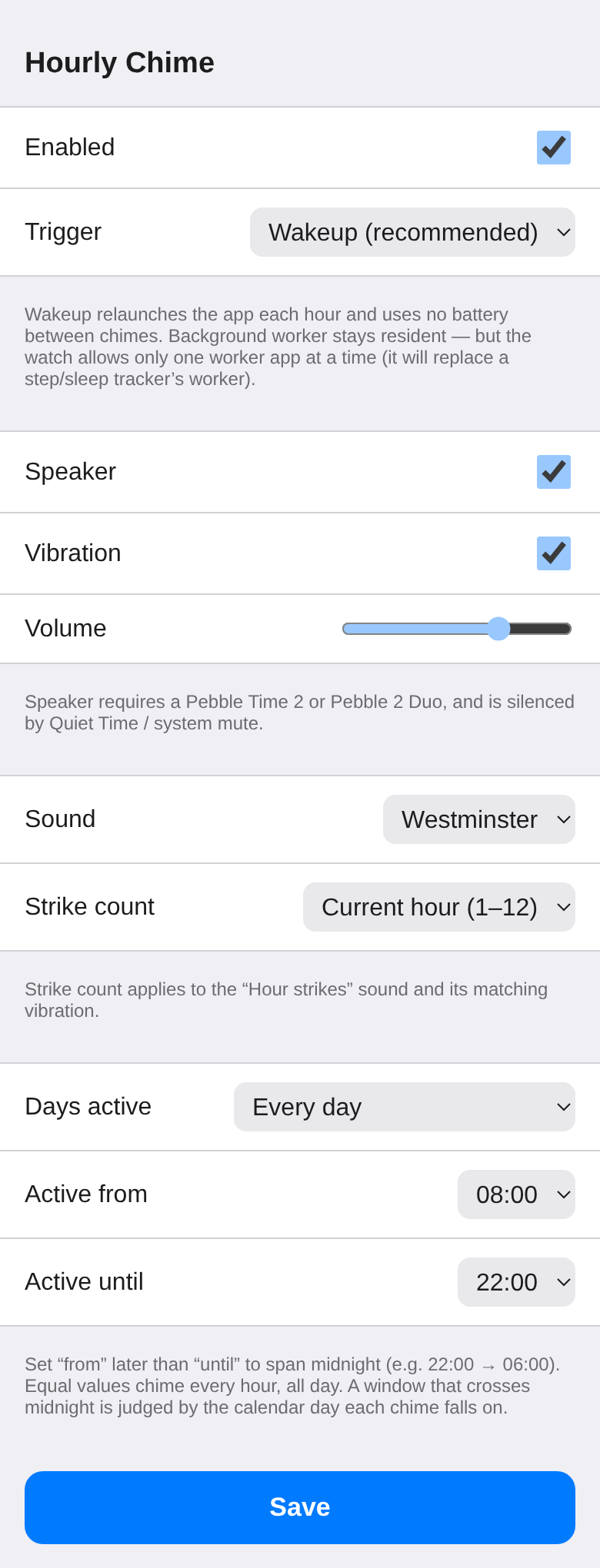
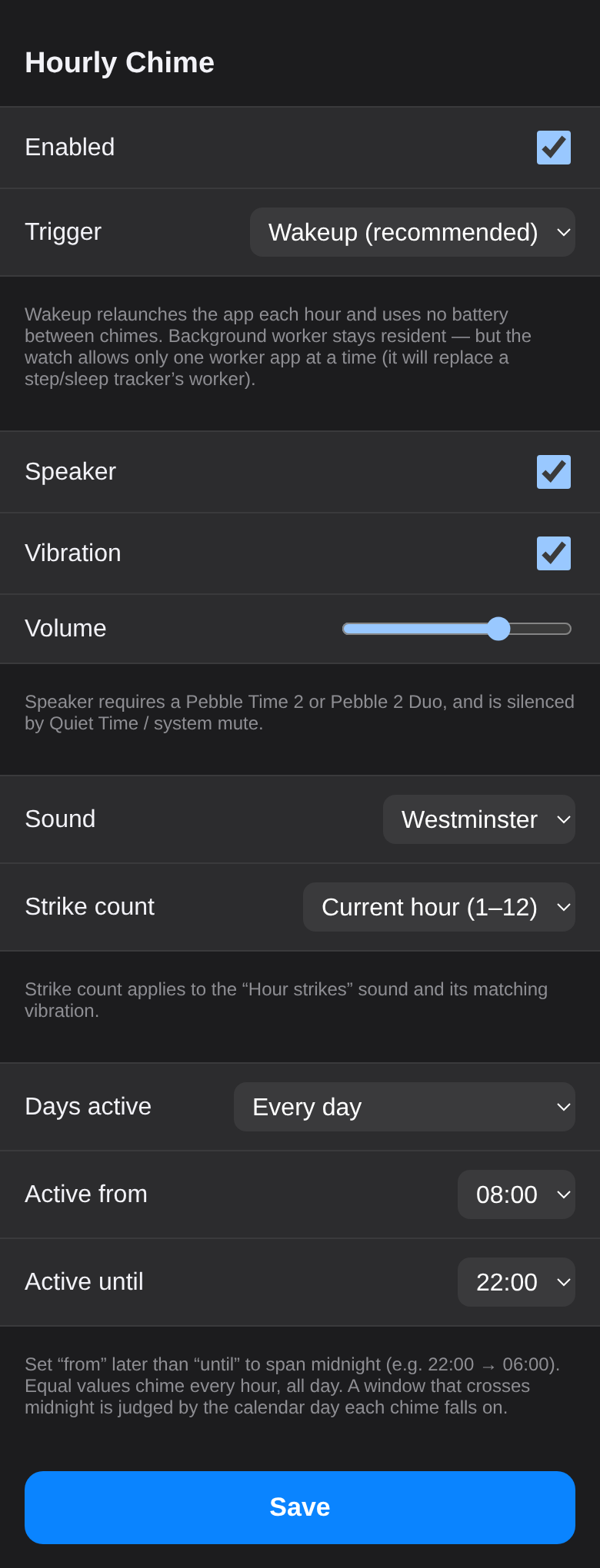
Because PebbleOS only lets a foreground app drive the speaker and motor, it supports two selectable backends from the Clay config page: a zero-resident Wakeup scheduler (using 1 wakeup slot) or a lightweight Background Worker, complete with active hour windows and Quiet Time respect.

Hourly Chime Banner Watch app on Pebble Time 2 Config page light theme Config page dark theme

GitHub: https://github.com/BigWebstas/PebbleHourlyChime

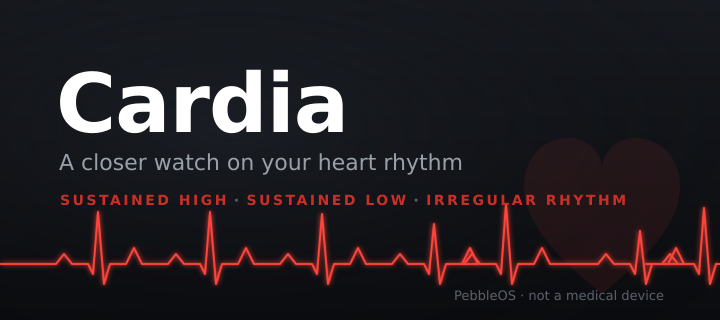
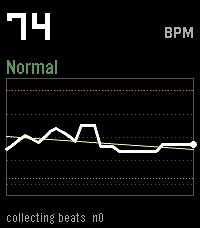
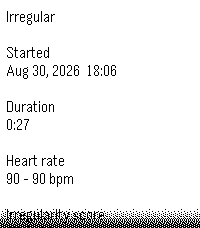
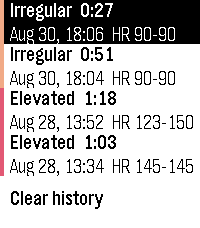
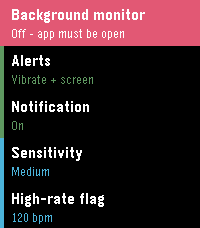
Built Cardia, a PebbleOS watchapp for Pebble Time 2 (emery) and Core Time 2 (gabbro)—the two watches whose SDK exposes beat-to-beat intervals—to monitor heart rate and rhythm much more closely than the default ~10-minute system cadence.

Cardia Banner Cardia Live Monitor Cardia Episode Alert Cardia Episode History Cardia Settings
  • Samples every 1–10 seconds (default 2s) and checks accelerometer stillness before flagging high or low resting heart rate so workouts aren’t false-flagged
  • Analyzes beat-to-beat intervals over a 90-second rolling window, computing HRV metrics (RMSSD, pNN50, SDNN) into a 0–100 rhythm irregularity score
  • Logs sustained episodes (vibrating on the watch and notifying the phone) and keeps a history of the last 20 episodes for review

GitHub: https://github.com/BigWebstas/PebbleCardia

Built a cross-platform system tray app (Avalonia, .NET 8 for Windows and Linux) that captures voice notes from the Pebble Index 01 smart ring and routes them into Super Productivity and beyond.

If a note arrives with audio only, it can transcribe it locally through a Whisper ASR webservice, queue tasks in a local outbox if Super Productivity is offline, and optionally run an AI classifier (Claude, Gemini, OpenAI, or local Ollama) to route different intents:

Pebble Index to Super Productivity Icon
  • Tasks & Shopping: creates Super Productivity tasks and splits shopping lists into one task per item
  • Notes: files reference notes directly into Joplin
  • Calendar: adds dated events to Google Calendar
  • Messaging: routes “send a message to X” voice notes through Beeper

GitHub: https://github.com/BigWebstas/PebbleIndex2SuperProd

Released v1.1.0 of Joplin Send to Super Productivity on GitHub.

Release Notes

Joplin plugin — send notes to Super Productivity as tasks via its local REST API.

What’s new in 1.1.0

  • Default project is now a dropdown populated from Super Productivity’s project list, with a “Super Productivity: Refresh project list” command and auto-refresh when the API URL / token changes.
  • New setting: “Delete the Joplin note after it is sent successfully” (default off) — moves the note to the trash only once the task is created.
  • New setting: “Add the new task to Today” (default off, also a per-send checkbox) — sets the task’s due day to today so it lands on the Today list. Skipped when frontmatter already sets a due date.

Install

Download send-to-super-productivity-1.1.0.jpl and install via Joplin → Tools → Options → Plugins → gear → Install from file, then restart Joplin.

Requires Joplin desktop 3.7+ and the Super Productivity desktop app with the local REST API enabled.

Downloads

Release page: https://github.com/BigWebstas/Joplin-SuperProd-Task/releases/tag/v1.1.0
Repository: https://github.com/BigWebstas/Joplin-SuperProd-Task

Created a Joplin desktop plugin that sends the current note (or a batch of selected notes) directly to Super Productivity as tasks over its Local REST API.

  • Maps the note title to the task title and optionally copies the note body into task notes
  • Parses Obsidian-style YAML frontmatter (tags, due, scheduled, estimate, project) and maps them automatically onto the Super Productivity task
  • Supports adding a backlink to the Joplin note, queuing directly into Today, and optionally deleting the note after sending

GitHub: https://github.com/BigWebstas/Joplin-SuperProd-Task

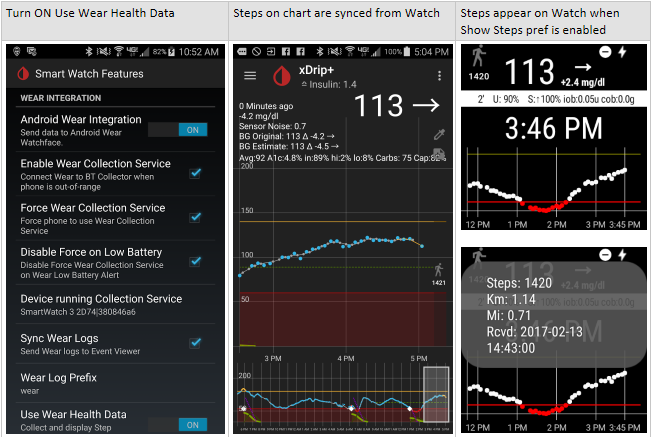
Worked on both the xDrip-Pebble watchface and my fork of Nightscout xDrip+ so my Pebble Time 2 (emery) and Core Time 2 (gabbro) can display crisp, high-resolution blood glucose numbers and report watch health telemetry back to xDrip+.

xDrip Step & Health Sync Settings xDrip Watch Integration
  • Added a high-res BG value and 54px clock layout tailored for larger Emery/Gabbro screens
  • Polls heart rate and step counts on the watch and sends them to xDrip+ over live AppMessages
  • Updated xDrip+ on Android to ingest heart rate and step readings from the watchface, allow piggybacked data requests, and perform a delayed re-send after a Pebble NACK instead of waiting for the next 5-minute CGM cycle

GitHub: https://github.com/BigWebstas/xDrip-Pebble-E
xDrip+ Fork: https://github.com/BigWebstas/xDrip

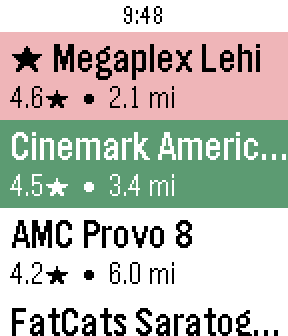
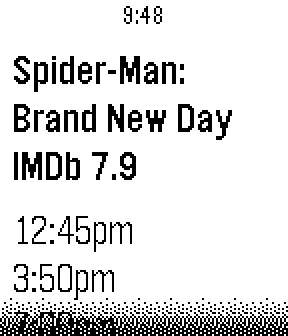
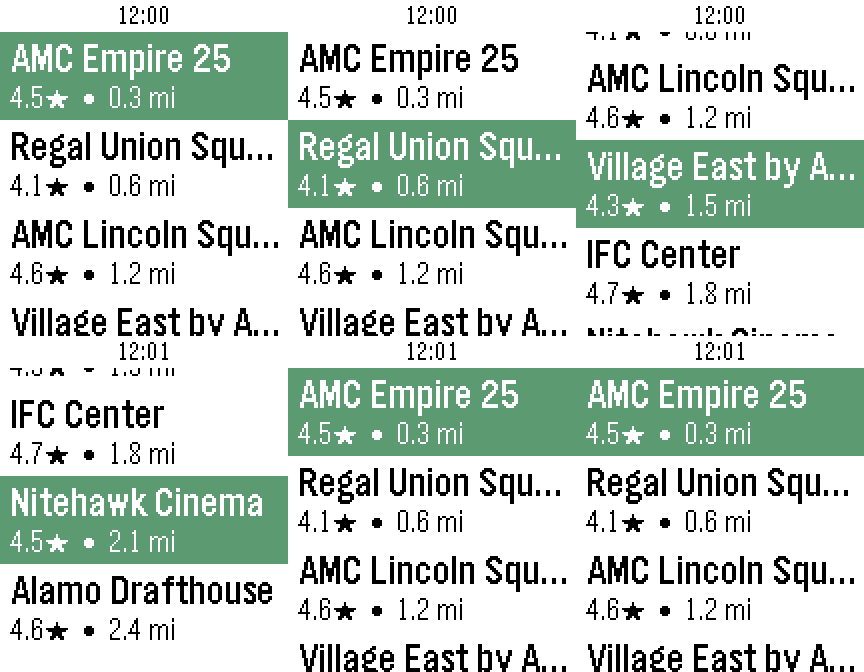
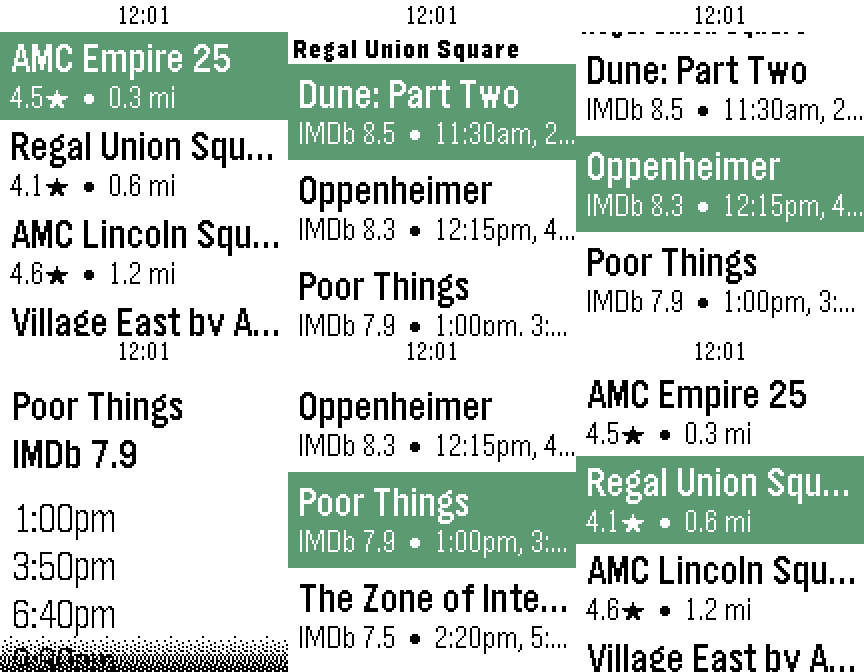
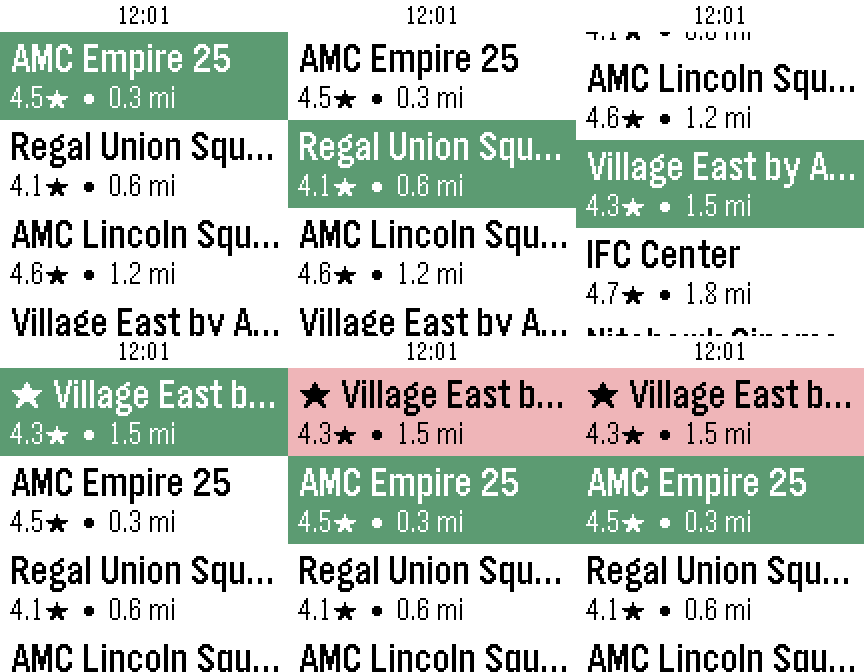
Wrote a PebbleOS watchapp that uses your phone’s GPS location to pull up nearby movie theaters, what’s playing today, showtimes, and IMDb ratings right on your watch.

Nearby theaters list Movies playing at a theater Movie showtimes Scrolling nearby theaters Opening movie showtimes Pinning a favorite theater
  • Long-press Select on any theater to pin it to the top as a persistent favorite (★)
  • Shake on the theater list to bypass cache and refresh showtimes
  • Supports both button navigation and swipe/tap navigation on touch-enabled Pebbles

GitHub: https://github.com/BigWebstas/PebbleMovieTimes

Built a two-way sync daemon and system tray app (for both Windows and Linux) that links a Google Keep checklist to a project in Super Productivity.

Since Google Keep has no public API for personal accounts, it uses gkeepapi with a master token and reconciles checklist items against Super Productivity’s Local REST API on 127.0.0.1:3876. Checking off, adding, or renaming an item on either side updates the other automatically.

GitHub: https://github.com/BigWebstas/SuperProd-Keep-Sync

Been doing a bunch of work in my fork of Super Productivity (and sending fixes upstream) to make the Android app, plugin system, and desktop REST bridge work much better for my daily workflow.

Super Productivity Banner Super Productivity Overview
  • Android widget improvements: show the currently tracked task directly in the home-screen widget, expire stale remote tracking rows, and allow stopping tracking without opening the app
  • Plugin API: exposed getAllSimpleCounters to iframe plugins so dashboard and habit plugins can read habit counters
  • Automations & sp-bridge: added task priority conditions/actions, REST API priority support, Today view routing for new tasks, and live API/sync status logging in sp-bridge

GitHub: https://github.com/BigWebstas/super-productivity