Released v0.6.59 of Pebble Super Productivity on GitHub.

Release Notes

New

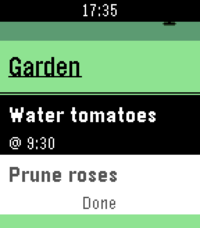
  • Sort tasks by Today order. The Sort tasks by setting has a new “Today order (as on desktop)” option. The watch then lists tasks in the same hand-sorted order as the Today page in Super Productivity, and follows your reorders as they sync. (#67)

Downloads

Release page: https://github.com/BigWebstas/PebbleSuperProductivity/releases/tag/v0.6.59
Repository: https://github.com/BigWebstas/PebbleSuperProductivity
Released v0.6.58 of Pebble Super Productivity on GitHub.

Release Notes

New

  • Sort tasks by Priority. The watch settings page now has the same Sort options as the desktop, including Priority (high, then medium, then low, then none).
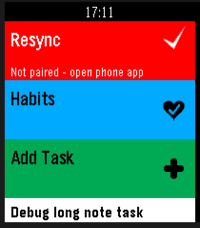
  • Collapse a task’s subtasks (Pebble Time 2 only). Long-press Select on a task with subtasks and choose Collapse to hide them, or Expand to bring them back. Lasts until you close the app.

Downloads

Release page: https://github.com/BigWebstas/PebbleSuperProductivity/releases/tag/v0.6.58
Repository: https://github.com/BigWebstas/PebbleSuperProductivity
Built a PebbleOS watchapp for Super Productivity so I can manage my active tasks and habits straight from my wrist without pulling out my phone.

It syncs directly through Super Productivity’s SuperSync server and supports Pebble Time, Pebble 2, Pebble Time Round, and Pebble Time 2.

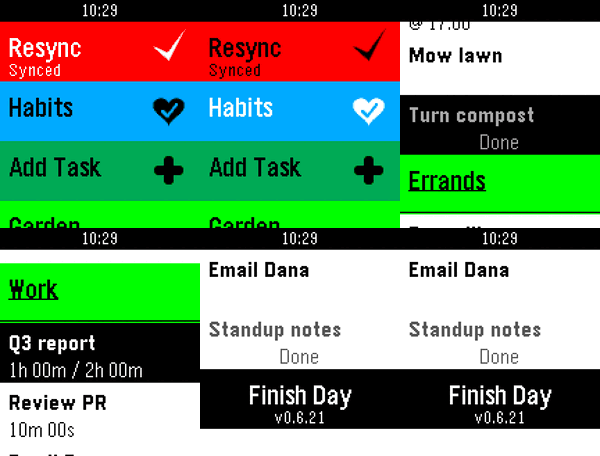
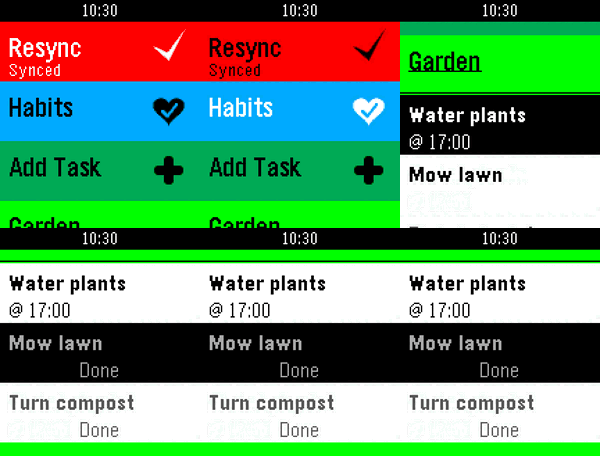
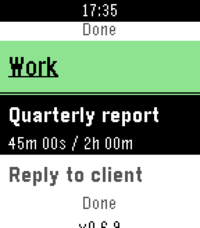
Pinned action rows Grouped task list Time tracking Habits tracker Scrolling tasks Marking task complete
  • View active tasks optionally grouped by project and mark them done from the watch
  • Start and stop task time tracking on the wrist
  • Dictate new tasks by voice using the watch microphone
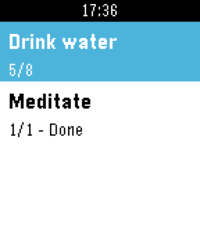
  • Track and toggle daily habits synced with Super Productivity

GitHub: https://github.com/BigWebstas/PebbleSuperProductivity