Been heavily expanding Life180, a custom Home Assistant integration that puts a live family tracker map and location history analyzer right in the Home Assistant sidebar.

Life180 Icon
  • Live map of every Home Assistant person entity with person avatars in both the map markers and people table
  • Interactive crosshair auto-fit toggle and map search
  • Draw, move, resize, and color Home Assistant zones directly on the map
  • Historical position filter with automatic stop detection, per-zone time summaries, and export to CSV, XLSX, KML, or PDF
  • Updated automation blueprints (including modern telegram_bot.send_message chat_id support) for zone enter/leave and low battery alerts
GitHub: https://github.com/BigWebstas/Life180

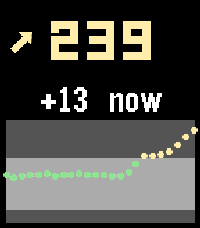
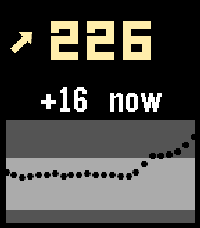
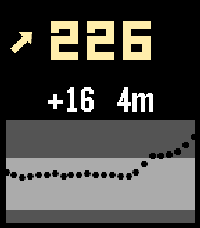
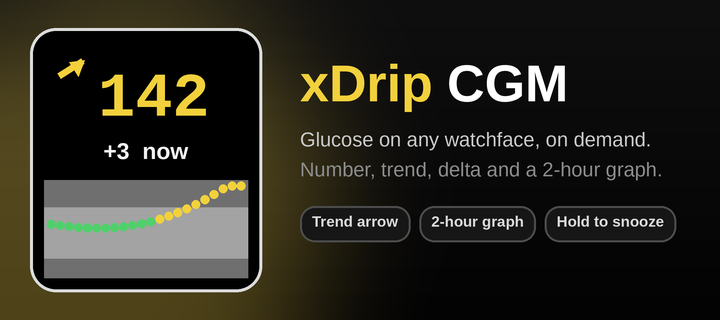
Sometimes I want to wear a non-CGM watchface without losing quick access to my blood glucose numbers, so I built PebbleXDrip—a Pebble quick-launch watchapp (not a watchface) for xDrip+.

Bind it to a Quick Launch button from any watchface, and it polls xDrip+’s local Nightscout endpoint (http://127.0.0.1:17580/sgv.json) to show your current mg/dL reading (color-coded by range), trend arrow, signed delta, and a 2-hour glucose graph.

PebbleXDrip Banner PebbleXDrip Watch Screen PebbleXDrip In-Range Graph PebbleXDrip High Reading

GitHub: https://github.com/BigWebstas/PebbleXDrip

Released v1.1.0 of Pebble NYT Top Stories on GitHub.

Release Notes

Smoother, cleaner list UI.

  • No more row-by-row pop-in. The loading screen holds until every story has arrived, then the list paints once. A 12s fallback shows a partial list if the stream stalls.
  • Smooth title marquee. The selected title glides one pixel at a time with a pause at the start so you can read it, and a pause each time it loops. Was a coarse multi-pixel jump.
  • Cleaner rows. Dimmed section label under the title, black masthead banner, centered loading text.
  • Cleaner detail view. Bold title, plain body, small dimmed byline.

Sideload PebbleTopNyTimes-v1.1.0.pbw for aplite, basalt, chalk, diorite, emery, and gabbro.

Downloads

Release page: https://github.com/BigWebstas/PebbleTopNyTimes/releases/tag/v1.1.0
Repository: https://github.com/BigWebstas/PebbleTopNyTimes

Built a Pebble watchapp that fetches the New York Times Top Stories API via PebbleKit JS and streams headlines and story summaries to your wrist.

It features a fixed top banner, marquee scrolling for long headlines, geometry-aware insets for round screens (chalk and gabbro), scaled typography for Pebble Time 2 (emery), and scrollable story abstract cards.

NYT Headline List on Pebble Time 2 NYT Story Card on Pebble Time 2

GitHub: https://github.com/BigWebstas/PebbleTopNyTimes

Built an Android app called Callback that watches for missed calls and automatically turns them into “call back” tasks in Super Productivity via its Local REST API.

  • Foreground call monitor backed by the Android call log and a Room deduplication ledger
  • Configurable rule engine to filter known vs. unknown callers, declined calls, and target projects
  • WorkManager retry queue so missed calls captured away from home sync as soon as the phone is back on the LAN, plus a home-screen status widget

GitHub: https://github.com/BigWebstas/SuperProd-Callback-Task

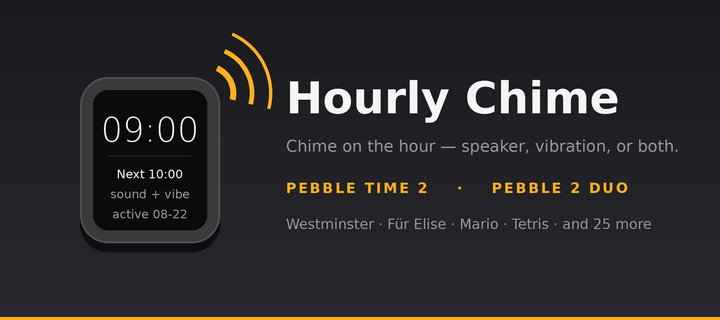
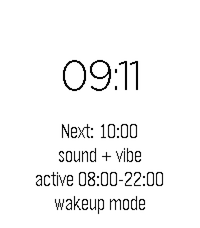
Created Hourly Chime, a PebbleOS watchapp that chimes on the top of the hour using the built-in speaker and/or vibration motor on Pebble Time 2 (emery) and Pebble 2 Duo (flint).

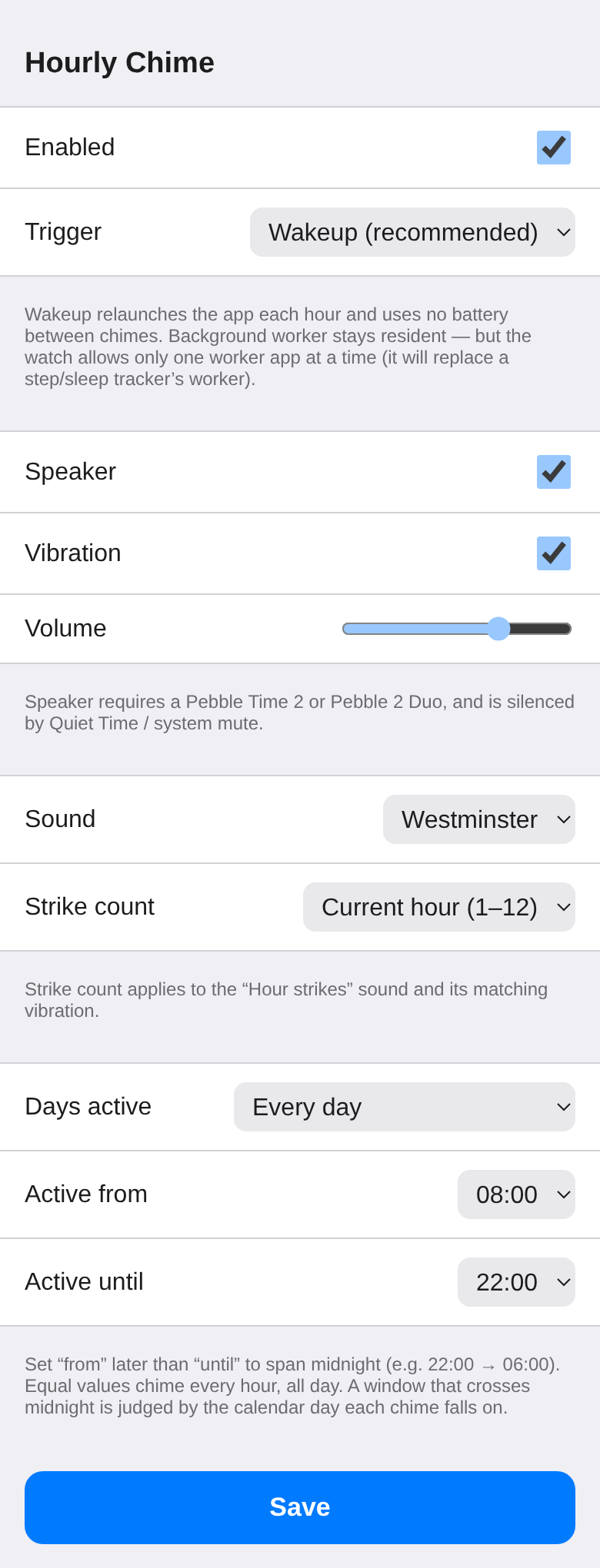
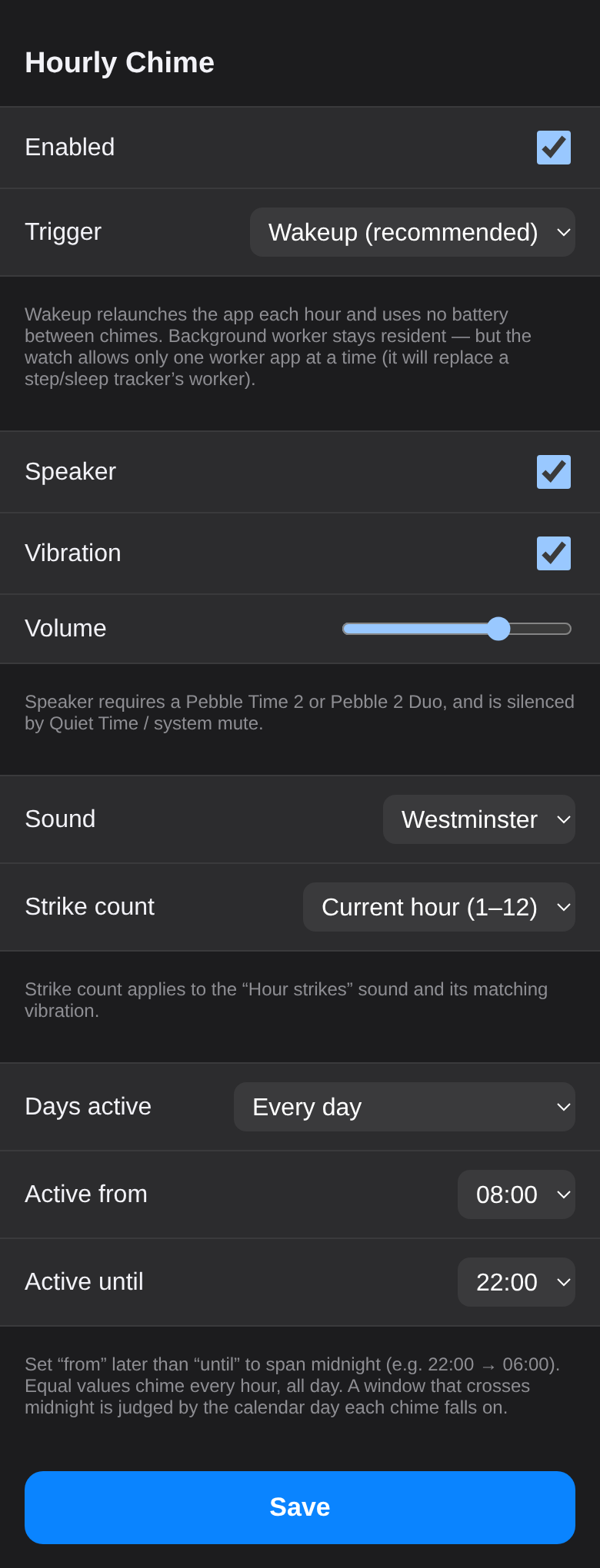
Because PebbleOS only lets a foreground app drive the speaker and motor, it supports two selectable backends from the Clay config page: a zero-resident Wakeup scheduler (using 1 wakeup slot) or a lightweight Background Worker, complete with active hour windows and Quiet Time respect.

Hourly Chime Banner Watch app on Pebble Time 2 Config page light theme Config page dark theme

GitHub: https://github.com/BigWebstas/PebbleHourlyChime

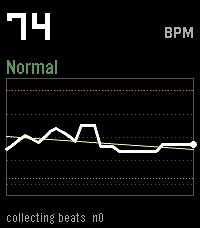
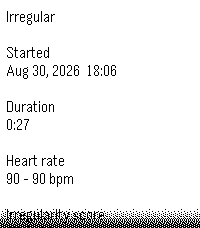
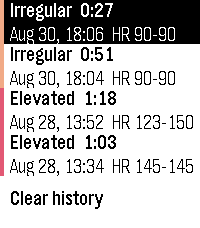
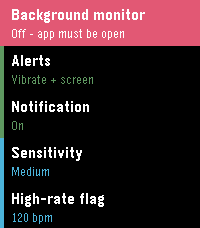
Built Cardia, a PebbleOS watchapp for Pebble Time 2 (emery) and Core Time 2 (gabbro)—the two watches whose SDK exposes beat-to-beat intervals—to monitor heart rate and rhythm much more closely than the default ~10-minute system cadence.

Cardia Banner Cardia Live Monitor Cardia Episode Alert Cardia Episode History Cardia Settings
  • Samples every 1–10 seconds (default 2s) and checks accelerometer stillness before flagging high or low resting heart rate so workouts aren’t false-flagged
  • Analyzes beat-to-beat intervals over a 90-second rolling window, computing HRV metrics (RMSSD, pNN50, SDNN) into a 0–100 rhythm irregularity score
  • Logs sustained episodes (vibrating on the watch and notifying the phone) and keeps a history of the last 20 episodes for review

GitHub: https://github.com/BigWebstas/PebbleCardia

Built a cross-platform system tray app (Avalonia, .NET 8 for Windows and Linux) that captures voice notes from the Pebble Index 01 smart ring and routes them into Super Productivity and beyond.

If a note arrives with audio only, it can transcribe it locally through a Whisper ASR webservice, queue tasks in a local outbox if Super Productivity is offline, and optionally run an AI classifier (Claude, Gemini, OpenAI, or local Ollama) to route different intents:

Pebble Index to Super Productivity Icon
  • Tasks & Shopping: creates Super Productivity tasks and splits shopping lists into one task per item
  • Notes: files reference notes directly into Joplin
  • Calendar: adds dated events to Google Calendar
  • Messaging: routes “send a message to X” voice notes through Beeper

GitHub: https://github.com/BigWebstas/PebbleIndex2SuperProd

Released v1.1.0 of Joplin Send to Super Productivity on GitHub.

Release Notes

Joplin plugin — send notes to Super Productivity as tasks via its local REST API.

What’s new in 1.1.0

  • Default project is now a dropdown populated from Super Productivity’s project list, with a “Super Productivity: Refresh project list” command and auto-refresh when the API URL / token changes.
  • New setting: “Delete the Joplin note after it is sent successfully” (default off) — moves the note to the trash only once the task is created.
  • New setting: “Add the new task to Today” (default off, also a per-send checkbox) — sets the task’s due day to today so it lands on the Today list. Skipped when frontmatter already sets a due date.

Install

Download send-to-super-productivity-1.1.0.jpl and install via Joplin → Tools → Options → Plugins → gear → Install from file, then restart Joplin.

Requires Joplin desktop 3.7+ and the Super Productivity desktop app with the local REST API enabled.

Downloads

Release page: https://github.com/BigWebstas/Joplin-SuperProd-Task/releases/tag/v1.1.0
Repository: https://github.com/BigWebstas/Joplin-SuperProd-Task

Created a Joplin desktop plugin that sends the current note (or a batch of selected notes) directly to Super Productivity as tasks over its Local REST API.

  • Maps the note title to the task title and optionally copies the note body into task notes
  • Parses Obsidian-style YAML frontmatter (tags, due, scheduled, estimate, project) and maps them automatically onto the Super Productivity task
  • Supports adding a backlink to the Joplin note, queuing directly into Today, and optionally deleting the note after sending

GitHub: https://github.com/BigWebstas/Joplin-SuperProd-Task