Forked the Goals Vision Board plugin for Super Productivity to fix cross-platform synchronization issues and add multi-page support.

The plugin now waits properly for the PluginAPI before loading and refreshes automatically when remote changes arrive, and you can add or remove multiple board pages in Edit mode while keeping a clean single-page default.

Vision Board Screenshot 1 Vision Board Screenshot 2

GitHub: https://github.com/BigWebstas/vision-board-super-productivity
Super Productivity’s super-sync-server only published a private container image upstream, so I set up an automated repository that builds it unmodified from upstream source and publishes a public Docker image to webstas/supersync.

Each build is tagged with latest, the upstream commit SHA, and the build date, paired with a clean docker-compose.yml ready to sit behind a reverse proxy with PostgreSQL 16.

GitHub: https://github.com/BigWebstas/SuperSync

Created PebbleRecorder, a Pebble watchapp and companion Android app that turns your Pebble watch into a remote start/pause/stop trigger for recording audio on your phone.

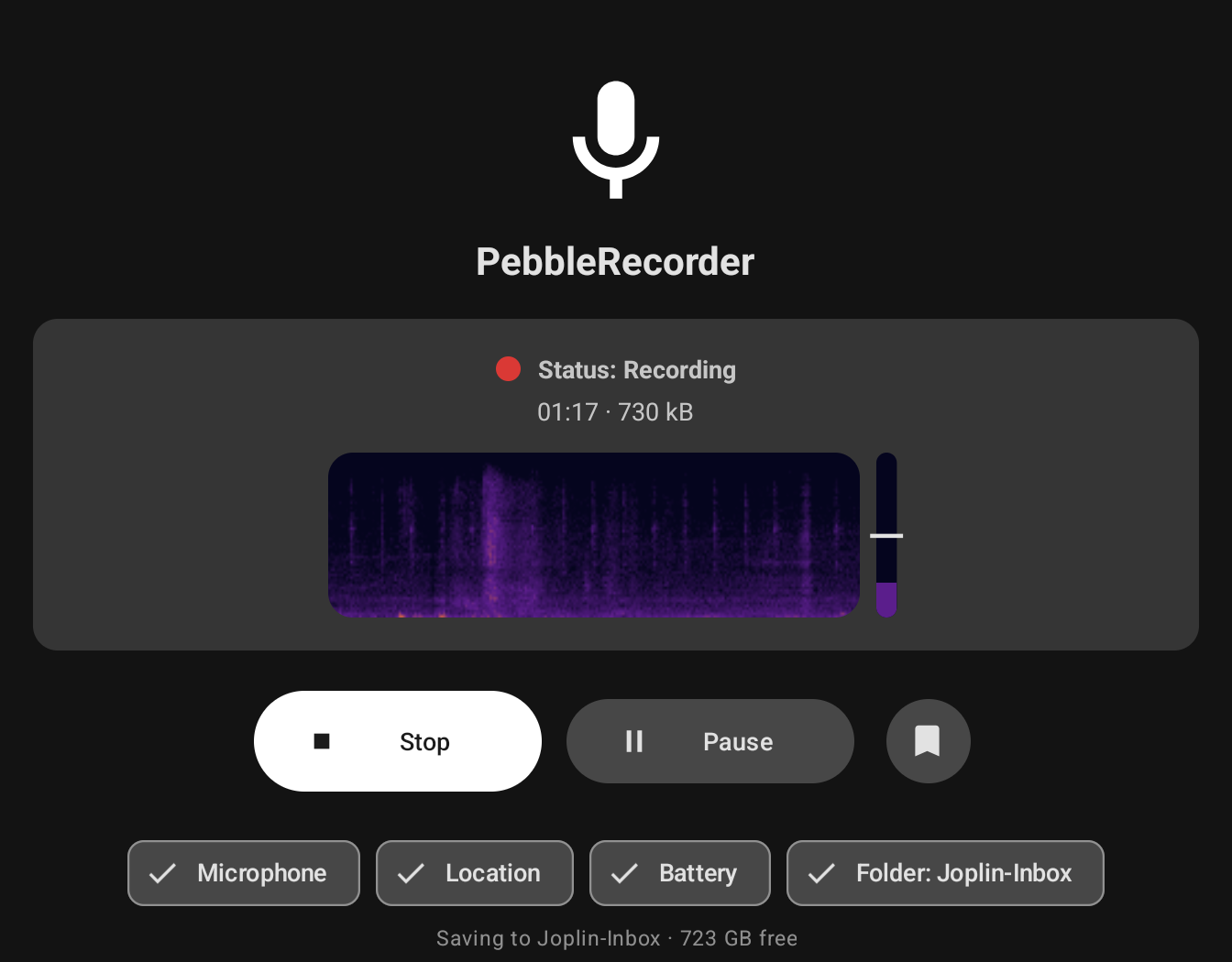
Pressing a button on the watch starts recording AAC/M4A audio on the phone straight to a chosen folder—no need to touch or unlock the phone.

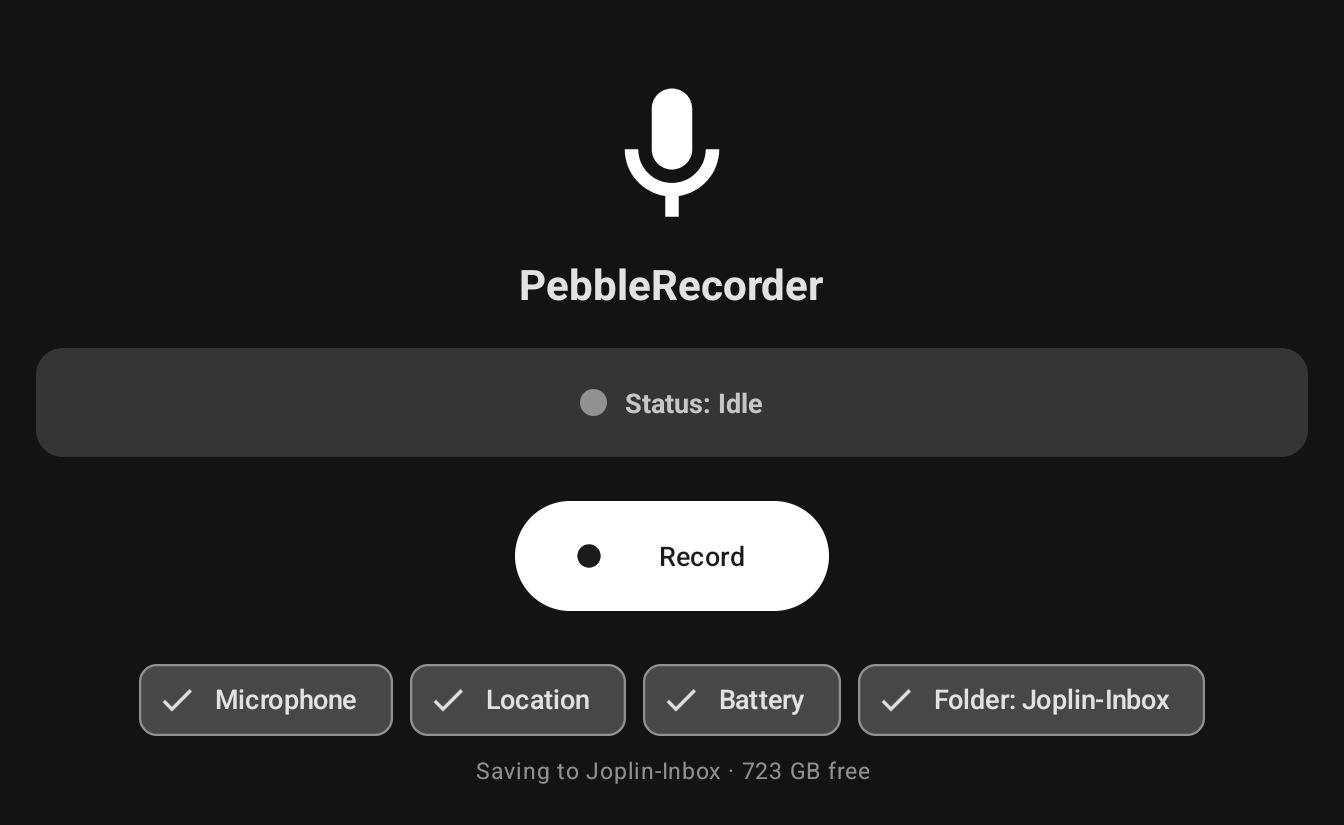
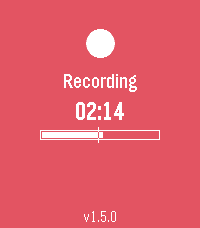
Watch app while recording Android app with live spectrogram Android app idle screen
  • Pebble C watchapp with an Idle → Recording → Paused state machine and live timer
  • Native Kotlin Android app with a live microphone spectrogram while recording
  • Optional Gemini transcription that saves a companion -txt.md file right next to each recording

GitHub: https://github.com/BigWebstas/PebbleRecorder

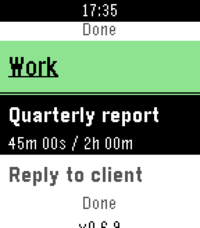
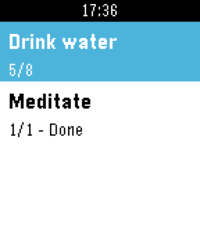
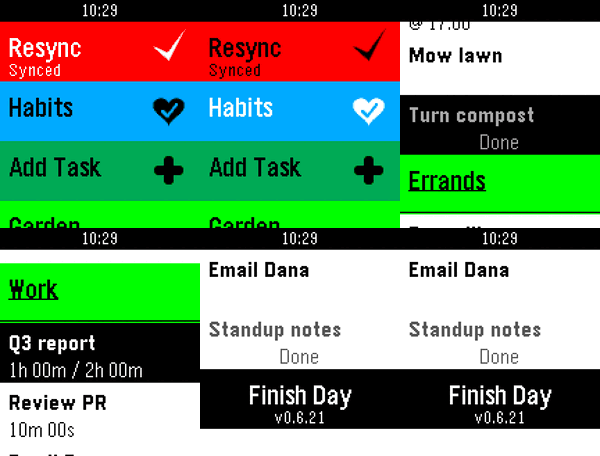
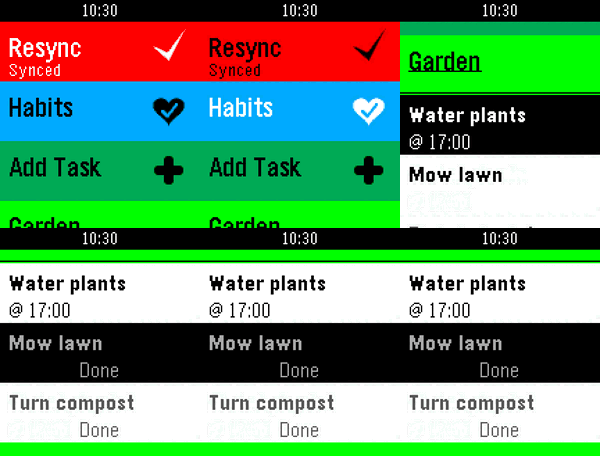
Built a PebbleOS watchapp for Super Productivity so I can manage my active tasks and habits straight from my wrist without pulling out my phone.

It syncs directly through Super Productivity’s SuperSync server and supports Pebble Time, Pebble 2, Pebble Time Round, and Pebble Time 2.

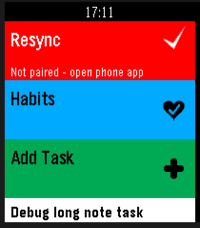
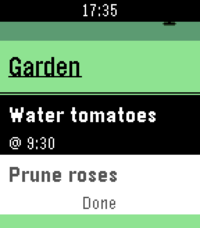
Pinned action rows Grouped task list Time tracking Habits tracker Scrolling tasks Marking task complete
  • View active tasks optionally grouped by project and mark them done from the watch
  • Start and stop task time tracking on the wrist
  • Dictate new tasks by voice using the watch microphone
  • Track and toggle daily habits synced with Super Productivity

GitHub: https://github.com/BigWebstas/PebbleSuperProductivity

Built a desktop plugin for Super Productivity that syncs each project’s notes into a matching Joplin notebook so I can read and search all my project notes right alongside the rest of my Joplin vault.

It talks to Joplin’s local Web Clipper REST API on 127.0.0.1 using Super Productivity’s nodeExecution bridge.

Joplin Notes Sync Icon
  • Automatically mirrors Super Productivity project notes into a configurable parent notebook in Joplin
  • Optional sync for individual task notes as well
  • Configurable auto-sync interval, archive-vs-delete behavior, and project icon/color syncing

GitHub: https://github.com/BigWebstas/SuperProd-Joplin-Sync